Öğrenci ve Sınıf Yönetimi
Öğrenci bilgilerini, sınıfları ve devam durumlarını kolayca yönetin.
Anaokulunuzun bütün günü tek uygulamada.
Yoklamadan gün sonu raporuna kadar okulun gününü tek akışta yönetin. Müdür, öğretmen ve veli aynı verinin kendi ekranını görsün.
Başvurunu oluşturHemen hesabını açalımİlk Ay Ücretsiz Dene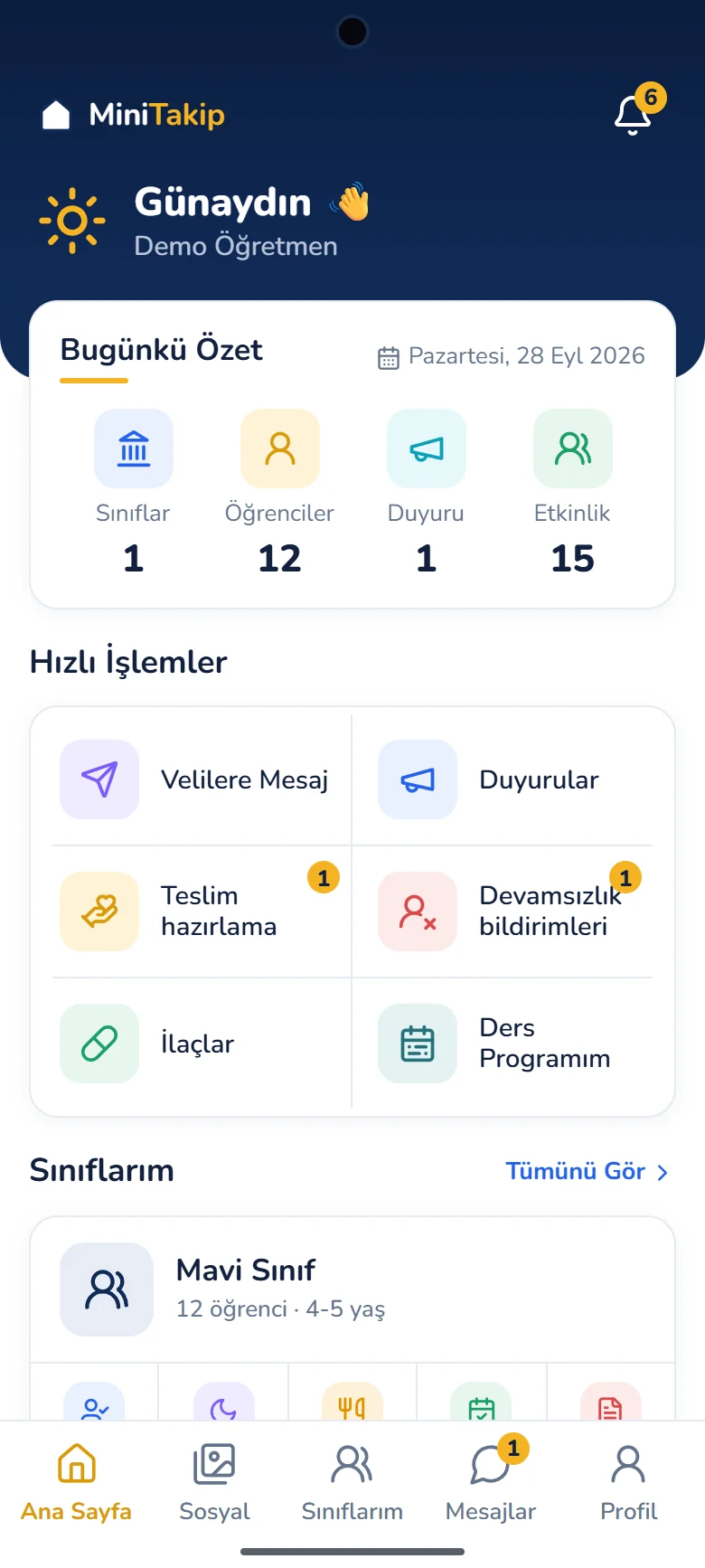
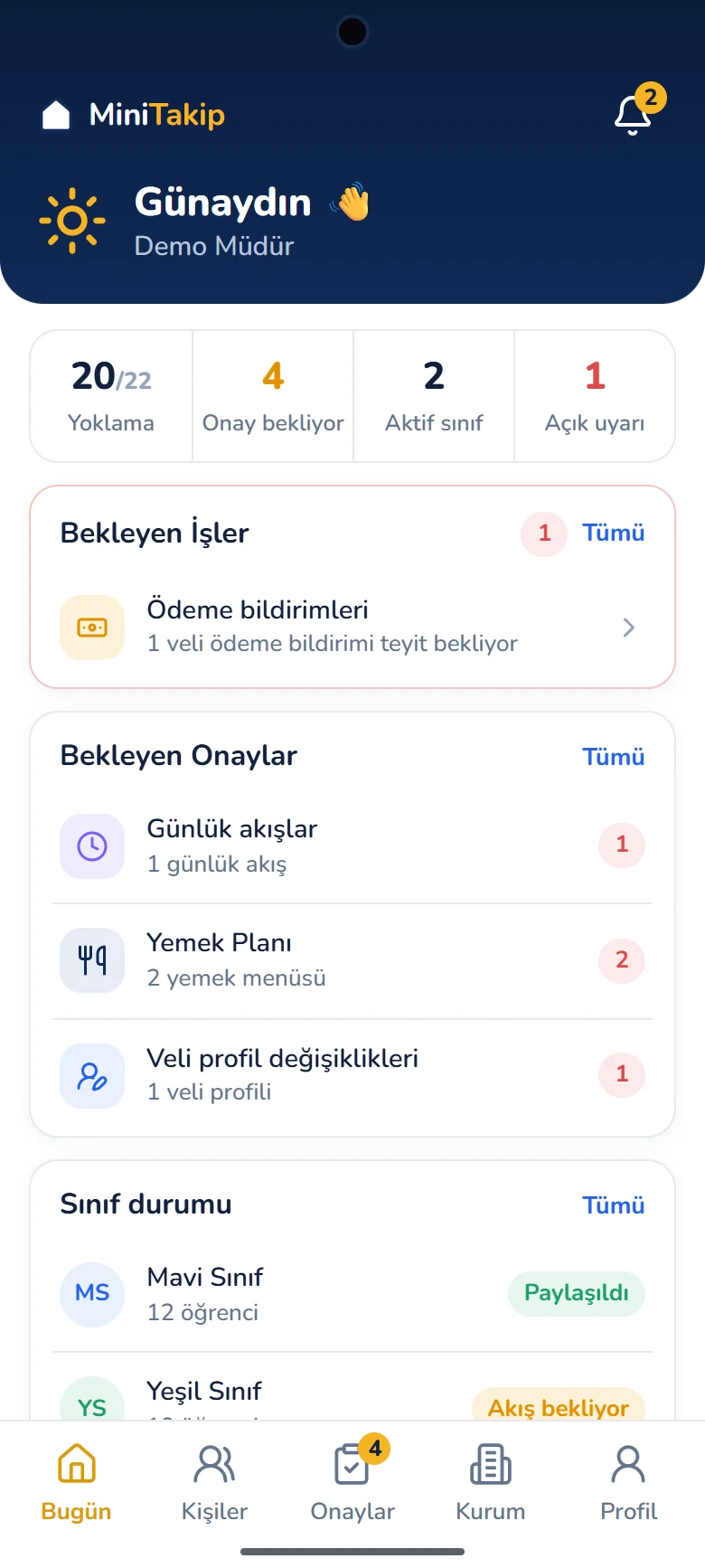
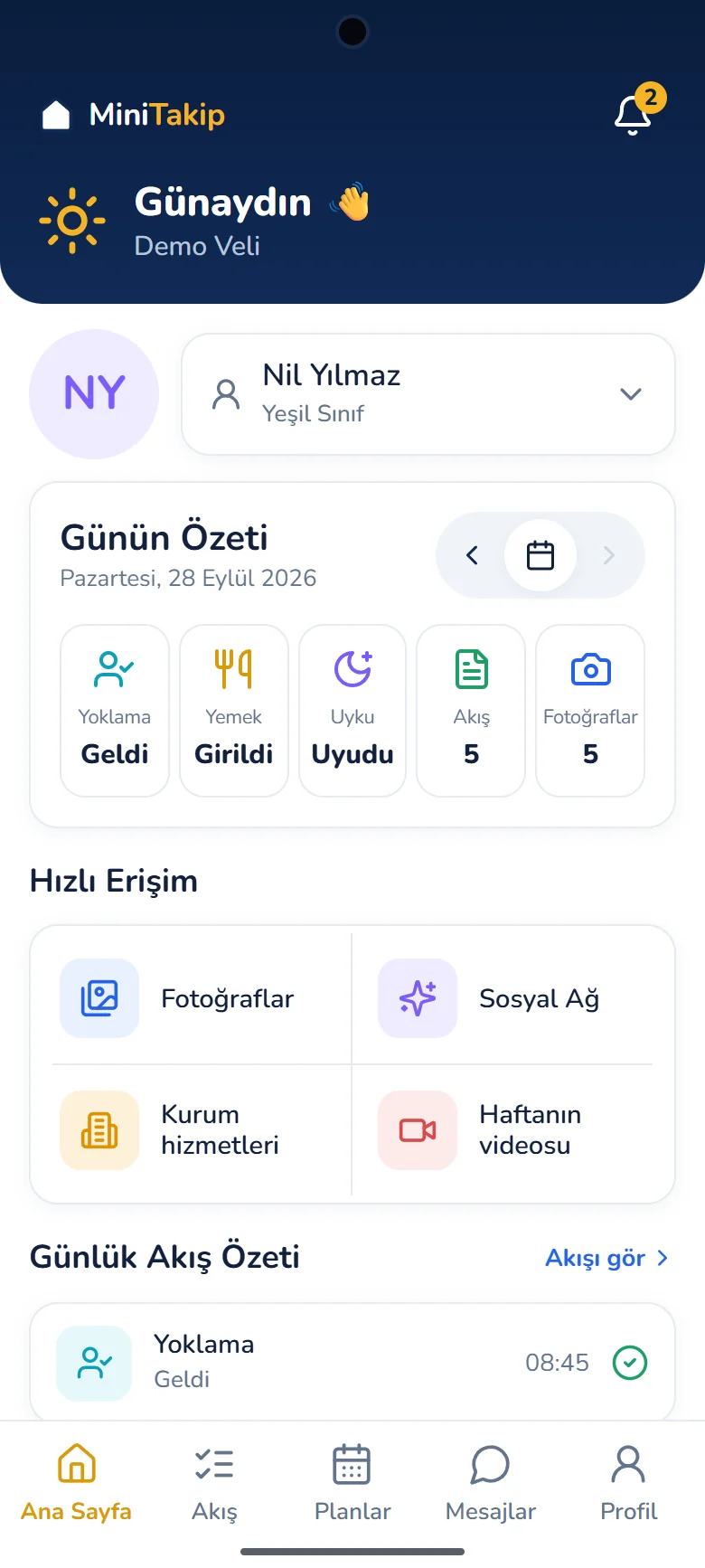
Müdür, öğretmen ve veli deneyimini gerçek uygulama ekranları üzerinden keşfedin. Sekmeler arasında geçerek her rolün neleri gördüğünü interaktif olarak inceleyin.
Ekranları sekmeler arasında geçerek interaktif inceleyin.
MiniTakip
Rolünü seç, 30 saniyede keşfet
Günlük durumu, bekleyen işleri, raporları ve finansı tek bakışta takip et.
Daha az takip yükü. Daha güçlü iletişim. Herkes için daha düzenli bir okul günü.
Sürekli stres ve zaman kaybı yaşarsınız
Önemli anlar kaçırılabiliyor.
En ihtiyaç duyulan anda çalışmıyor.
Paylaşımlar ulaşmıyor.
Her seferinde vakit kaybettiriyor.
Daha basit, daha hızlı, daha güvenilir bir deneyim.
Önemli gelişmeler hemen ulaşır.
Her zaman hızlı ve sorunsuz.
Anılar anında paylaşılır.
Tüm kullanıcılar, tek panelde.
Okulunuzun tüm süreçlerini tek bir ekrandan yönetin. Öğrenci, veli, program, tahsilat ve daha fazlasını pratik ve güvenli bir şekilde yönetin.
Öğrenci bilgilerini, sınıfları ve devam durumlarını kolayca yönetin.
Günlük programı, etkinlikleri ve takvimi tek yerden planlayın.
Devam, gelişim, tahsilat ve daha fazlası için detaylı raporlar alın.
Duyuru, iç mesajlaşma ve geri bildirimlerle velilerle her zaman bağlantıda kalın.
Aidat tanımlama, tahsilat takibi ve ödeme hatırlatmalarıyla finansal süreçleri kolayca yönetin.
Tüm verileriniz güvenli altyapımızda saklanır, yetkilendirme ile kontrol sizde olur.
Paketler yalnızca aktif öğrenci kapasitesine göre ayrışır. 40 modülün tamamı, tüm kullanıcı rolleri, web yönetim merkezi ve veli uygulaması her pakette yer alır.
MiniTakip'i kullanmaya karar vermeden önce 1 ay boyunca ücretsiz deneyin. Memnun kalırsanız devam edin, olmazsa hiçbir ücret ödemezsiniz.
İlk ayın sonunda kararı siz verin.
Öğrenci sayınıza uygun aylık veya yıllık paketi seçerek kullanmaya devam edebilirsiniz.
Geri bildiriminizi hızlıca değerlendirip mümkün olan iyileştirmeleri en kısa sürede yapmaya çalışırız.
1 aylık ücretsiz kullanım için sizden herhangi bir ücret talep edilmez.
40modül
Modüller pakete göre kısıtlanmaz. Finans, ilaç, servis ve ön kayıt gibi operasyonel modülleri müdür kurum ayarlarından dilediği zaman açıp kapatabilir.
Modül listesini inceleyinYoklama · Günlük akış · Beslenme takibi · Uyku takibi · Gün sonu raporu · Ders programı · Gelişim portfolyosu · Öğrenciye özel notlar
Birebir ve grup mesajlaşma · Duyuru yönetimi · İletişim politikası · Anlık bildirimler · Fotoğraf galerisi · Sosyal paylaşım · Haftanın videosu · Aylık bülten · Veli anketleri
Yemek menüsü · Etkinlik planları · Kurum takvimi · Veli toplantıları
İlaç takibi · Teslim hazırlama · Devamsızlık bildirimleri · Servis yönetimi · Olay ve kaza kaydı · KVKK ve fotoğraf izinleri
Öğrenci ve sınıf yönetimi · Personel ve görev takibi · Onay akışları · Ön kayıt · Belge kaydı · Denetim kayıtları · Raporlar ve öğretmen analizi · İşlem geçmişi
Ücret planları · Taksit ve tahsilat takibi · Ödeme bildirimleri · Kasa defteri · Gider ve bordro
Az sayıda sınıfla çalışan, tek şubeli kurumlar için.
4.990 TL/ ay
Yeni sınıf ve yaş grubu açan, büyüme dönemindeki kurumlar için.
7.490 TL/ ay
Farklı yaş gruplarını birden fazla sınıfta yürüten kurumlar için.
9.990 TL/ ay
Tam gün ve yarım gün gruplarını birlikte yöneten kurumlar için.
12.490 TL/ ay
Kalabalık öğrenci mevcudu ve geniş kadroyla çalışan kurumlar için.
14.990 TL/ ay
Yıllık fiyatlandırma uygulamadan takip edilebilir.
Abonelik App Store ve Google Play üzerinden aylık yenilenir.
Aradığınızı bulamadıysanız info@minitakip.com adresine yazabilirsiniz.
Mobil uygulama iOS ve Android telefon ve tabletlerde çalışır. Kurum yönetim merkezi ise tarayıcı üzerinden bilgisayardan kullanılır.
Evet, aynı uygulama kullanılır. Giriş yapan kişinin rolüne göre ekranlar, yetkiler ve görülen kayıtlar değişir; veli yalnızca kendi çocuğunun akışını görür.
Veri aktarımı şifreli bağlantılar üzerinden yapılır ve her kullanıcı yalnızca rolüyle ilişkili kayıtlara erişir. İşlenen veri kategorileri ve başvuru haklarınız Gizlilik Politikası ile KVKK Aydınlatma Metni'nde açıklanır.
Öğretmen kaydı girdiği anda veliye bildirim gönderilir. Veli bildirimi açmadığında da tüm içerik uygulamadaki günlük akışta tarih seçilerek görüntülenebilir.
Evet. MiniTakip anaokulu, kreş ve gündüz bakımevleri için tasarlandı. Yaş gruplarına göre sınıf yapısı kurum tarafından tanımlanır.
Öğrenci, veli ve sınıf kayıtları kurum yönetim merkezindeki kayıt merkezinden oluşturulur. Aktarım sırasında destek ekibimizden yardım alabilirsiniz.
Sınıflar, öğretmenler, öğrenciler ve veliler tanımlandıktan sonra günlük akış kullanılmaya başlanır. Uygulama içindeki hazır demo ile kurulumu beklemeden akışları inceleyebilirsiniz.
Paketler yalnızca aktif öğrenci kapasitesiyle ayrışır. Modüller, roller, kurum yönetim merkezi ve veli uygulaması her pakette aynıdır.
Hesap oluşturmadan uygulama içindeki hazır demo üzerinden müdür, öğretmen ve veli akışlarını inceleyebilirsiniz.